
Purchases log themselves
With an iPhone Shortcut, the purchase alerts your bank sends by text or email land in “To review”. You confirm each one with a tap.
- Bank alert
- To review
- You confirm

Personal finance app for iPhone
Log expenses in seconds, see what’s left in every budget, and get a heads-up before each bill.
Coming soonto the App Store
Contact us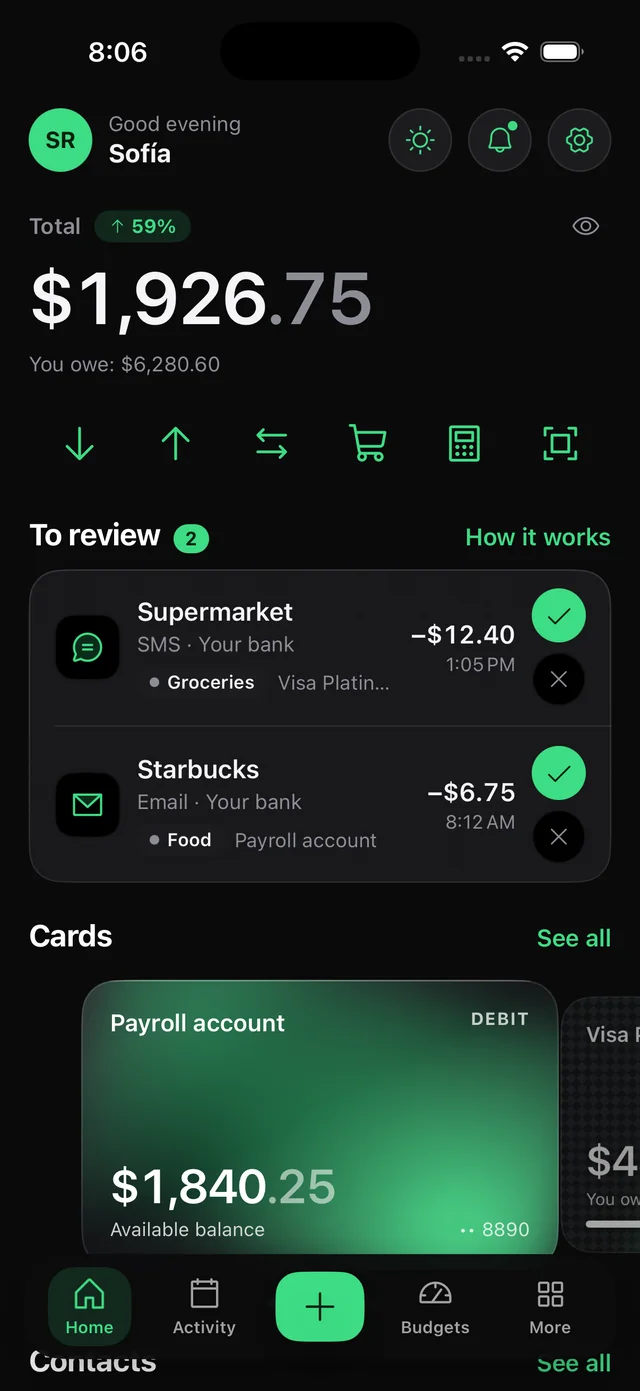

Features
Arca brings your accounts, expenses, budgets and grocery runs together in one fast app, made for everyday use.
With an iPhone Shortcut, the purchase alerts your bank sends by text or email land in “To review”. You confirm each one with a tap.
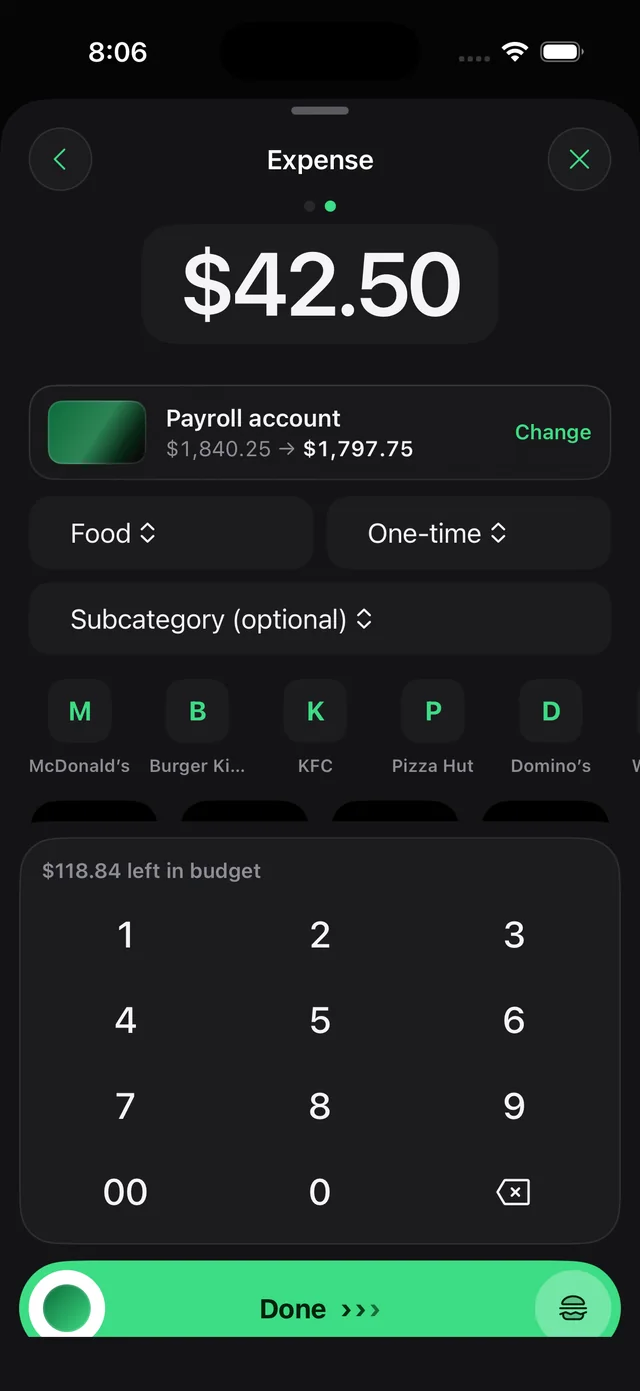
Type the amount on Arca’s keypad, pick a category and slide “Done”. You instantly see what’s left in your budget.
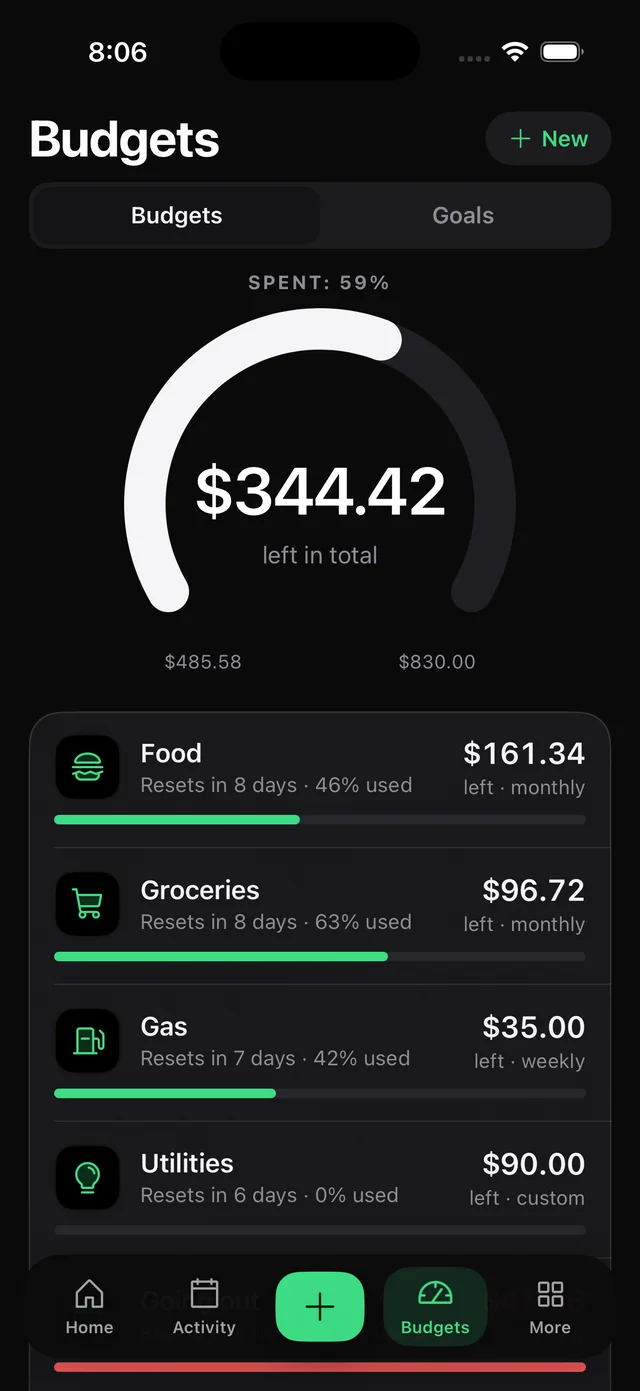
Set a limit per category, monthly or weekly. Arca shows what’s left and warns you before you go over.
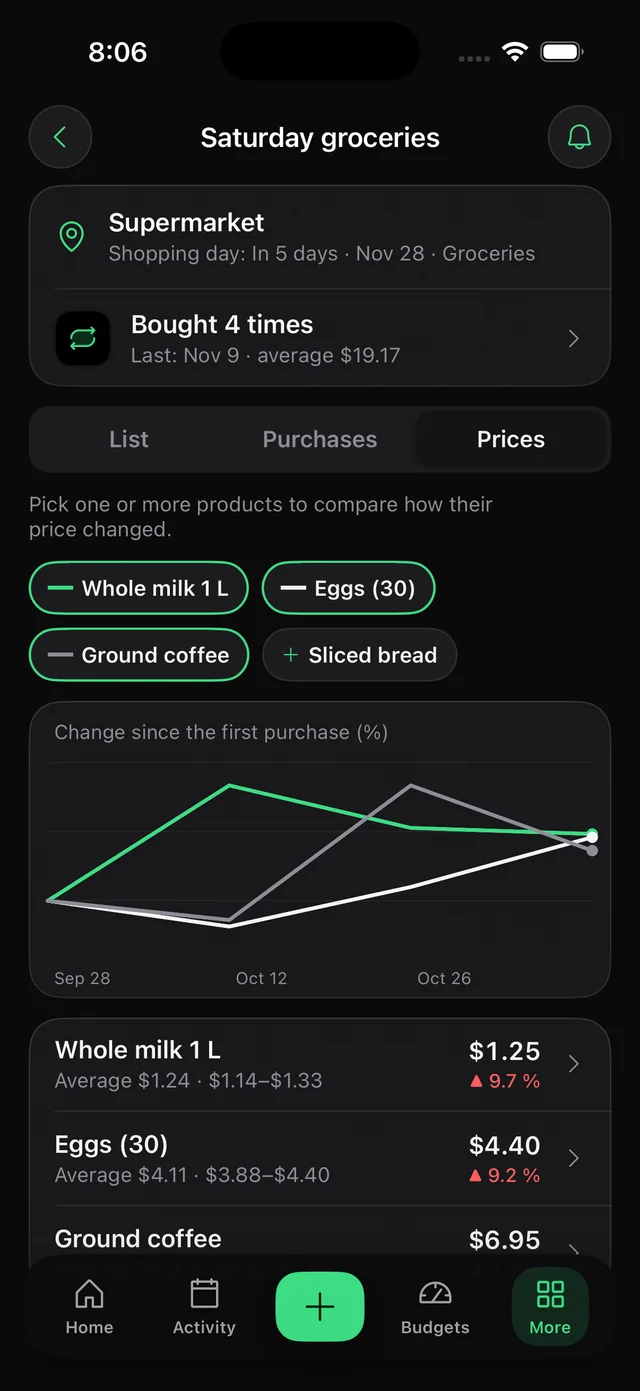
Build your grocery list, check out, and see whether each item went up or down since last time.
See your budget on your Home Screen and log with your voice: “Hey Siri, log an expense in Arca.”

Pick colors and one of 10 effects for each account. Spot every card at a glance and see its balance with a tap.

Pricing
The essentials are free forever. Arca Pro adds automatic logging, the shopping list and more.
$0
To keep your accounts up to date.

$4.99/month
or $34.99 a year, save 42%.
Prices in US dollars for the US; in other countries the App Store shows the local price. The subscription is billed to your Apple ID and you can cancel anytime.
FAQ
No. Arca never asks for your bank login and never moves money. You log expenses with the app’s keypad, or set up an iPhone Shortcut so the purchase alerts your bank sends by text or email land in “To review”. Each purchase waits there until you confirm it.
On your iPhone. If you turn on iCloud, Arca keeps a copy in your private iCloud, tied to your Apple ID; we can’t access it.
We don’t sell your data, show ads or track you across apps. Read the privacy policy.
The essentials are free. Arca Pro is $4.99 a month or $34.99 a year in the US (in other countries, the price the App Store shows), and you can try it free for 7 days. It’s billed to your Apple ID through the App Store.
You can use Arca in any country, in English or Spanish. For now, amounts are shown in US dollars (USD). You need an iPhone with iOS 26 or later.
On your iPhone, open Settings › your name › Subscriptions › Arca and tap Cancel Subscription. If you cancel at least 24 hours before the 7 days end, you won’t be charged and your data stays in the app.